Made for beginners
Learn variables, conditions, loops and functions without dealing with a complex setup.
VisuAlg is the free Portugol interpreter used in programming logic classes across Brazil and beyond. Write pseudocode in Portuguese, press run, and see every variable change line by line. Download VisuAlg here and start with our step-by-step guides.
VisuAlg is a free learning tool for writing and running algorithms in Portugol. It helps beginners understand programming logic by showing code, output and variable changes as the program runs.
Learn variables, conditions, loops and functions without dealing with a complex setup.
Follow execution line by line and watch values change while your algorithm runs.
The same core ideas carry into languages such as Python, C, Java and Pascal.
A small program with a clear focus: show beginners exactly how an algorithm behaves.
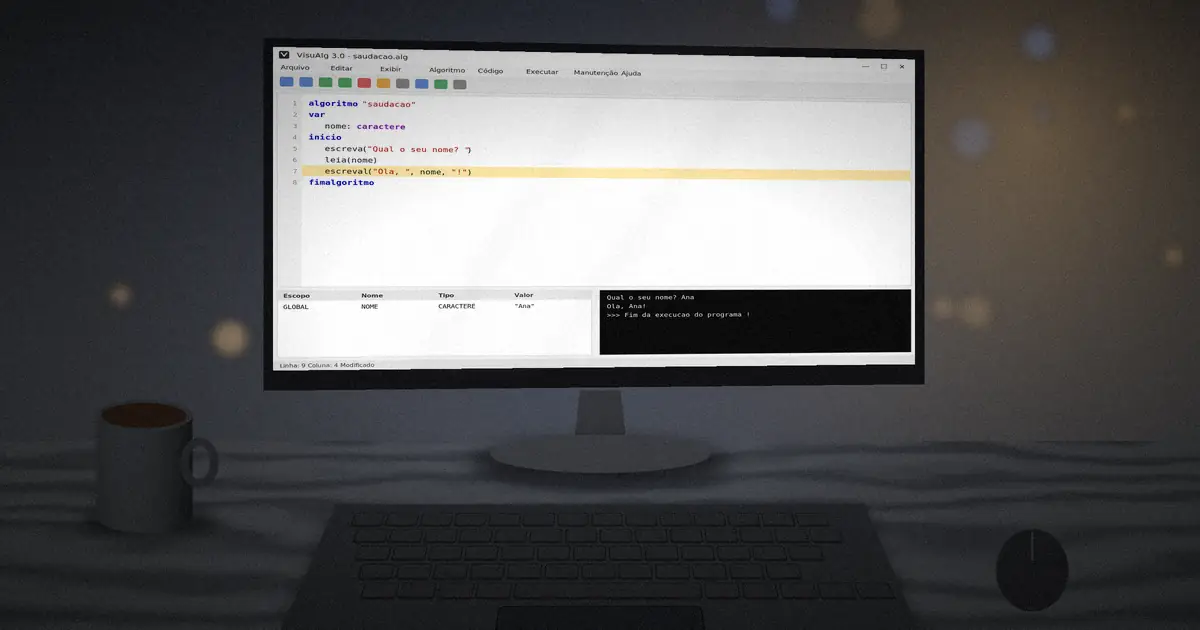
Watch every variable change in the memory panel while the program runs, the feature that gives VisuAlg its name.
Write se, entao, para and enquanto instead of English keywords, so the logic of an algorithm is never hidden behind vocabulary.
Run one line at a time with F8 or pause on any line with a breakpoint. Bugs become something you can see, not guess.
The whole program fits in a few megabytes and runs from a folder, even from a USB stick on a shared lab computer.
Turn a finished algorithm into Pascal source code, a natural bridge from pseudocode to a compiled language.
Choose from several visual themes and add the course name, teacher and school to printouts and headers.
Fill leia commands with random values using aleatorio, so you can test an algorithm dozens of times without typing.
Algorithms save as simple .alg text files that open in any editor and are easy to share, submit or version.
One click starts the download of the latest VisuAlg package published by its author. No sign-up and no installer bundles.
After downloading, extract the package to a folder such as C:\VISUALG3 and run the executable. Need help? Follow the installation steps below.
There is no complex installer. You download, extract and run. The whole process takes less than five minutes.
Press the download button above. The file comes from the project's public release page, so it is the author's original build.
Unzip it to a permanent location such as C:\VISUALG3. Do not run it from inside the ZIP, or your settings will not be saved.
Double-click the executable. If Windows SmartScreen appears, choose More info and then Run anyway.
If themes do not change, copy the Skins sub-folder to C:\Skins as the author recommends, then restart.
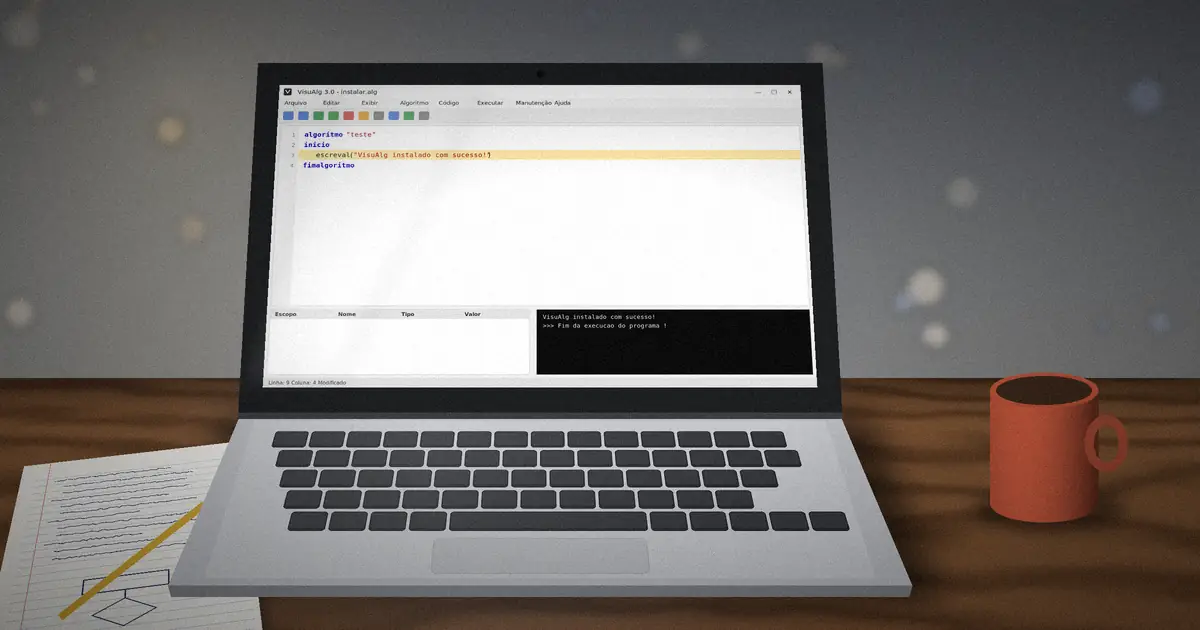
Type a short program, press F9 and check that the console prints your message. You are ready to learn.
Want screenshots and troubleshooting? Read the full VisuAlg installation guide.
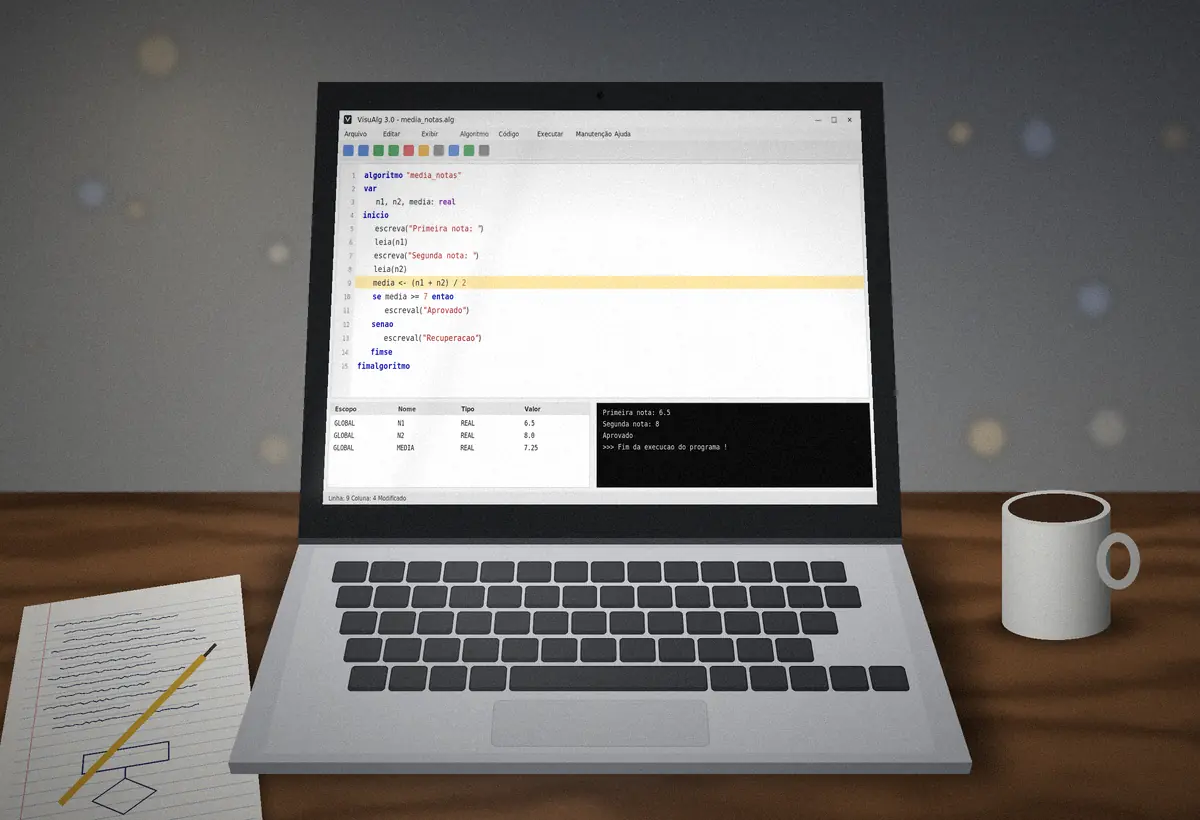
This program reads two grades, calculates the average and tells the student whether they passed. It uses almost every basic idea at once: declaration, input, assignment, a calculation, a decision and formatted output.
Notice the structure. The name comes after algoritmo, variables are declared under var, and commands live between inicio and fimalgoritmo. The arrow <- means "receives", and media:4:2 prints the average with two decimal places.
Paste it into the editor and press F9. Then press F8 to run it again one line at a time and watch MEDIA appear in the variables panel the moment line ten executes.
algoritmo "media_notas"
// Calcula a media de duas notas
var
   n1, n2, media: real
inicio
   escreva("Primeira nota: ")
   leia(n1)
   escreva("Segunda nota: ")
   leia(n2)
   media <- (n1 + n2) / 2
   se media >= 7 entao
      escreval("Aprovado com media ", media:4:2)
   senao
      escreval("Recuperacao, media ", media:4:2)
   fimse
fimalgoritmoThe commands you will use in almost every exercise. VisuAlg is not case-sensitive, so ESCREVA and escreva work the same way.
| Command | What it does |
|---|---|
algoritmo "nome" | Starts the program and gives it a name |
var | Opens the variable declaration section |
inicio / fimalgoritmo | Marks the start and end of the main commands |
x <- 10 | Assigns a value to a variable |
escreva() / escreval() | Prints output, without or with a line break |
leia() | Reads a value typed by the user |
se ... entao ... senao ... fimse | Makes a decision |
escolha ... caso ... fimescolha | Chooses between many fixed values |
para i de 1 ate n faca ... fimpara | Repeats a fixed number of times |
enquanto ... faca ... fimenquanto | Repeats while a condition is true |
repita ... ate | Repeats until a condition becomes true |
vetor[1..10] de inteiro | Declares an array |
funcao / procedimento | Declares reusable subprograms |
\ % ^ | Integer division, remainder and power |
e ou nao | Logical and, or, not |
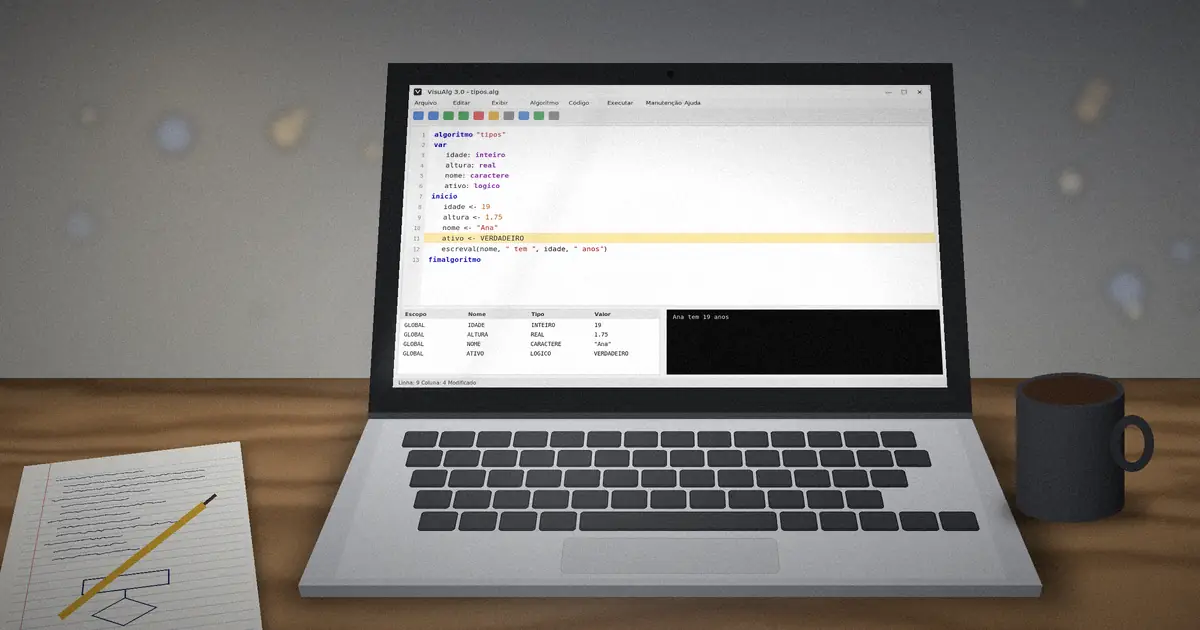
The four data types are inteiro, real, caractere and logico. Learn how each behaves in the variables and data types guide.
Several tools teach programming logic in Portuguese. Each has strengths, and many courses use more than one.
| Criteria | VisuAlg | Portugol Studio | Python |
|---|---|---|---|
| Commands in Portuguese | Yes | Yes | No |
| Live variables panel | Built in | Inspector | Needs a debugger |
| Download size | A few MB | Larger, needs Java | Moderate |
| Runs natively on Linux and Mac | Via Wine | Yes | Yes |
| Used in professional work | No, teaching only | No, teaching only | Yes |
Choose VisuAlg when your course follows its Pascal-like Portugol dialect or when you want the lightest possible setup. Move to a real language once loops, arrays and functions feel natural.
VisuAlg runs on almost any Windows computer made in the last fifteen years.
On Linux, VisuAlg runs through Wine. On macOS, use a Wine-based tool or a Windows virtual machine. Our Linux and Mac guide covers both.
Small habits that save hours of frustration, collected from students and teachers who use VisuAlg every semester.
Plan before you type. Write the steps in plain words or draw a quick flowchart, then translate each step into a VisuAlg command. Most errors come from unclear thinking, not from syntax.
Run often. Press F9 after every few lines instead of writing the whole program first. When something breaks, you will know it was the last thing you added.
Use step-by-step mode on purpose. Before pressing F8, predict the next value of each variable. Comparing your prediction with the variables panel is the fastest way to build real intuition about loops and conditions.
Keep a folder of solved exercises. Every .alg file is a reusable pattern: counters, accumulators, finding the largest value, validating input.
Project the program and use timed execution so the whole class sees each line run at a readable speed. It turns abstract ideas like scope and loop counters into something visible.
Set the course, teacher and school names in the settings so printed algorithms carry the right header for assignments.
Encourage students to export finished algorithms to Pascal. Seeing the same logic in a compiled language shows them that pseudocode is a real step toward professional programming, not a detour.
Because VisuAlg runs from a folder, you can place it on a shared drive or USB stick and have a whole lab ready in minutes.
Short, practical tutorials that take you from installation to functions, with code you can paste and run.
Download the package, extract it to a safe folder and launch the interpreter in under five minutes, with fixes for the usual first-run problems.
Read full guideUnderstand the four parts every program needs and build a small calculator that reads input and prints a result.
Read full guideThe four primitive types, how to declare them, and the naming rules that save you from confusing errors.
Read full guideQuick answers to common questions about downloading, running and learning with VisuAlg.
VisuAlg is a free Windows program that lets you write, run and debug algorithms in Portugol, a pseudocode based on Portuguese. It shows variables changing in real time, which makes it a popular first tool in programming logic courses.
Yes. VisuAlg 3.0 is distributed free of charge by its author through its public project page. The download button on this site links straight to that package, so you never pay and never need an account.
Use VisuAlg 3.0, the latest major release. It added skins, accepts correctly accented Portuguese commands such as PARA ... FAÇA, and keeps compatibility with algorithms written for version 2.5.
Yes. VisuAlg runs on Windows 7, 8, 10 and 11. If SmartScreen shows a warning on the first launch, choose More info and then Run anyway, because the program is not digitally signed.
Not natively, but it runs on Linux through Wine, and on macOS through Wine-based tools or a Windows virtual machine. Browser-based re-implementations of the VisuAlg dialect are another option.
It uses Portugol, also called Portuguese structured pseudocode. Commands such as escreva, leia, se, entao and para read like Portuguese, so beginners focus on logic instead of English keywords.
Not exactly. Portugol is a teaching pseudo-language, and VisuAlg is its interpreter. The skills you learn, such as variables, conditions, loops and functions, transfer directly to Pascal, C, Python and Java.
Write the code in the editor and press F9 to run it. Press F8 to run one line at a time, and F5 to set a breakpoint. Output appears in a console window and variables show in a side panel.
Every variable must be declared in the var section before inicio. Check the spelling, remove accented letters from names, and make sure the declaration has a valid type such as inteiro or real.
No. visualg.org is an independent learning resource. VisuAlg is created and maintained by its original authors, and our download link points to the project's public distribution page.