Loops let a program repeat work without repeating code. VisuAlg offers three loop structures, and choosing the right one makes your algorithm shorter and easier to read.
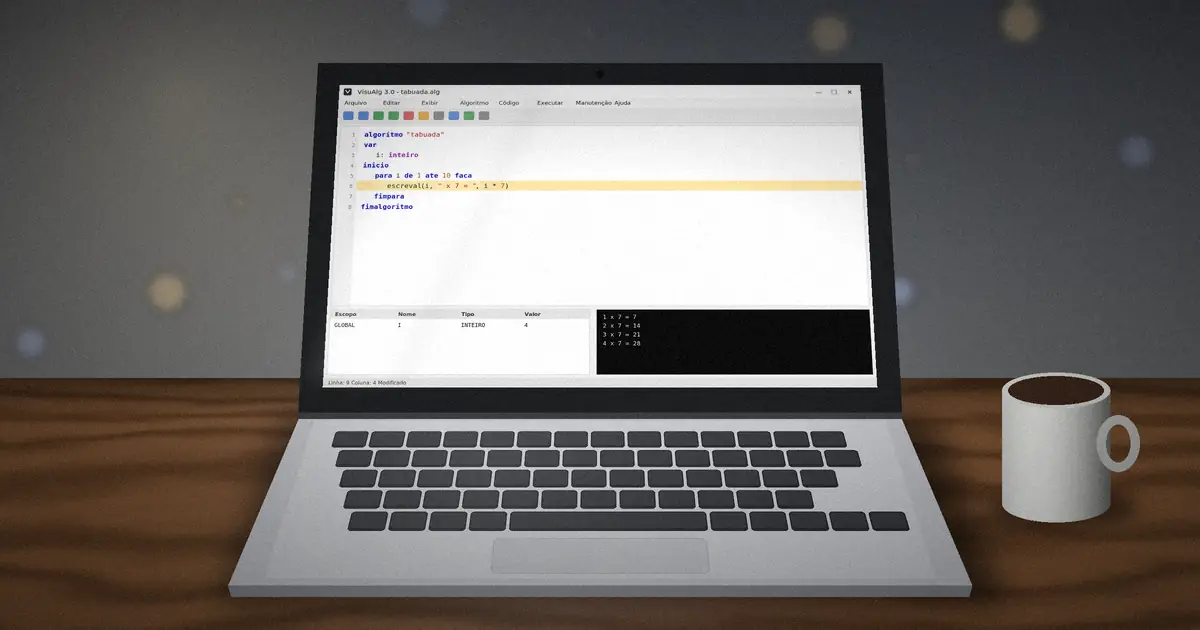
para: when you know how many times
para i de 1 ate 10 faca
   escreval(i, " x 7 = ", i * 7)
fimpara
The counter i must be an inteiro declared in var. Add passo to change the step, for example para i de 10 ate 0 passo -2 faca counts down by two.
enquanto: test first, then repeat
algoritmo "dobro"
var
   x: inteiro
inicio
   x <- 1
   enquanto x < 100 faca
      escreval(x)
      x <- x * 2
   fimenquanto
fimalgoritmo
enquanto checks its condition before each pass. If the condition is false at the start, the body never runs. Make sure something inside the loop changes the condition, or the program will run forever.
repita: run at least once
repita
   escreva("Digite uma nota de 0 a 10: ")
   leia(nota)
ate (nota >= 0) e (nota <= 10)
repita tests at the end, so the body always runs at least once. That makes it perfect for input validation: keep asking until the user types something valid. Note the logic is reversed compared with enquanto: the loop stops when the condition becomes true.
Which loop should I use?
| Situation | Best loop |
|---|---|
| Fixed number of repetitions | para |
| Repeat while a condition holds, maybe zero times | enquanto |
| Repeat at least once, such as menus and validation | repita |
Leaving a loop early
The command interrompa exits the current loop immediately. Use it sparingly; a clear loop condition is usually easier to follow.
Accumulators and counters
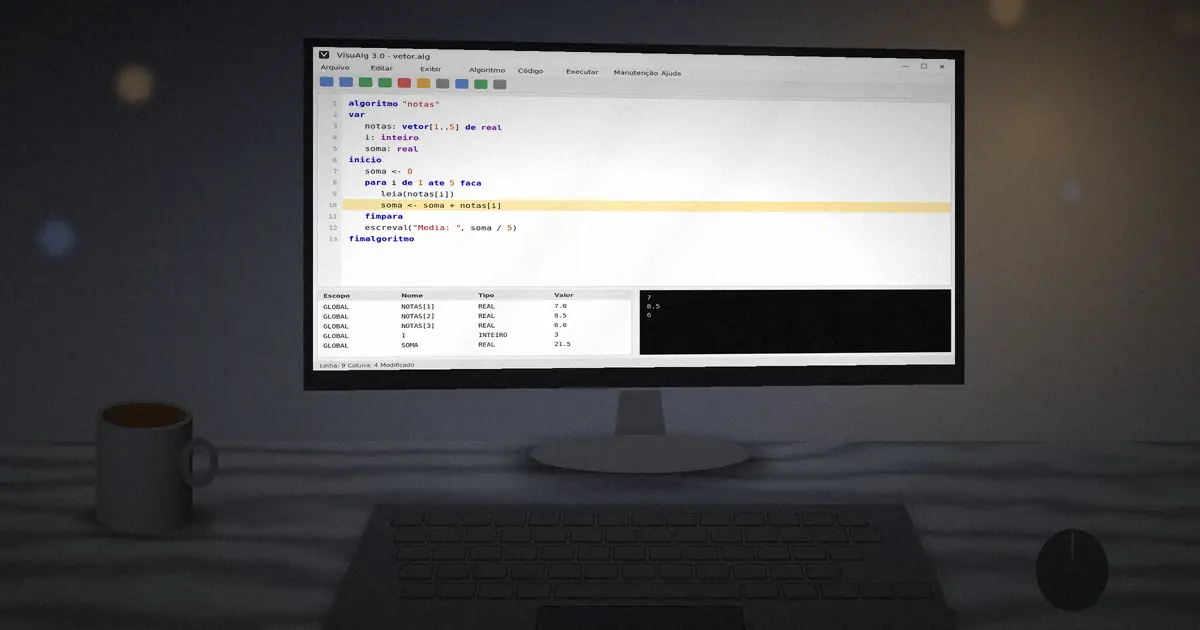
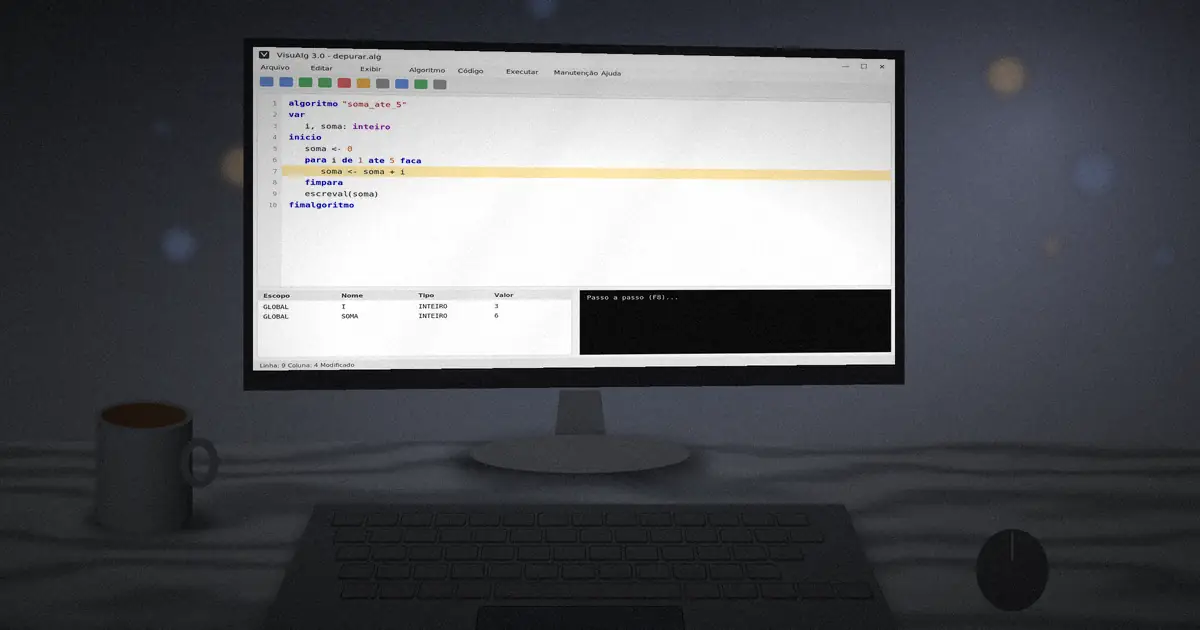
Most loop exercises use two patterns. A counter adds one each time (cont <- cont + 1); an accumulator adds a value (soma <- soma + nota). Always set both to zero before the loop starts.
soma <- 0
para i de 1 ate 5 faca
   leia(nota)
   soma <- soma + nota
fimpara
escreval("Media: ", soma / 5)Loops pair naturally with lists of data. Continue with arrays and matrices in VisuAlg.