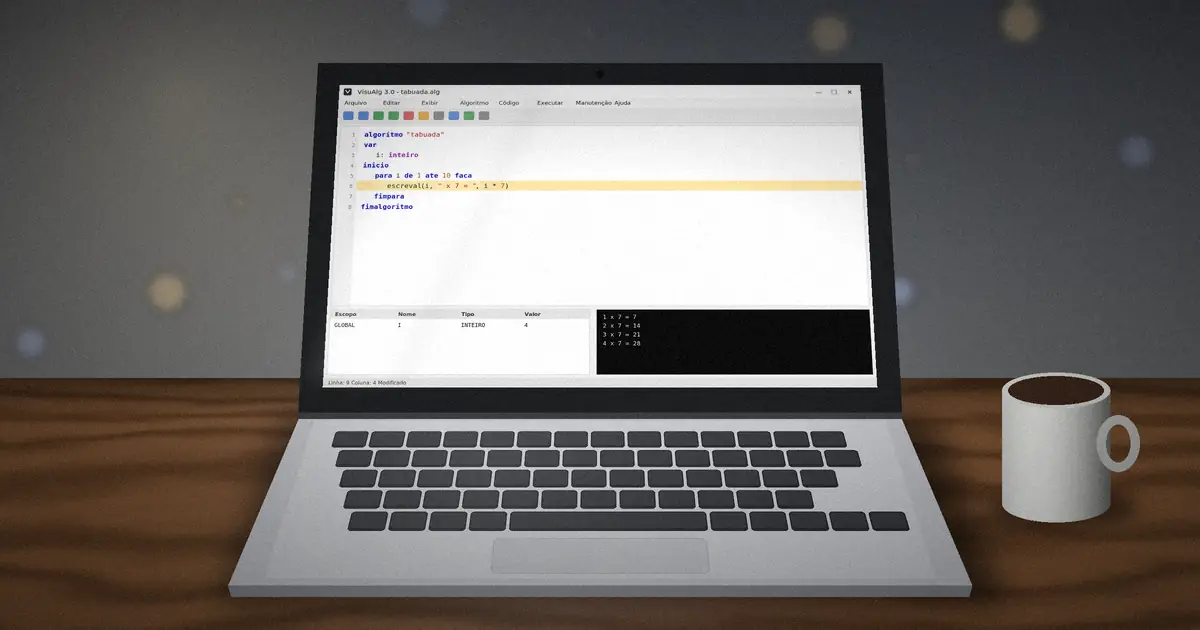
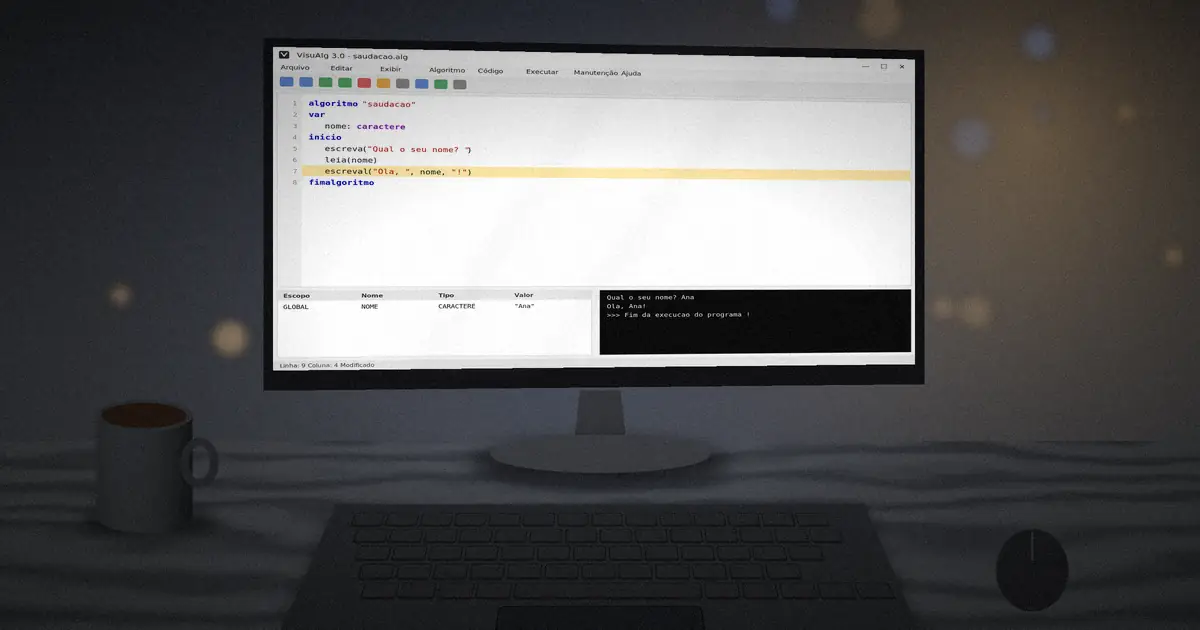
Every VisuAlg program follows the same skeleton. Once you learn it, you can read almost any algorithm your teacher puts on the board. In this tutorial we build two small programs: a greeting and a sum calculator.
The four parts of an algorithm
algoritmo "nome"gives the program a name.varopens the section where you declare variables.iniciomarks where the commands start.fimalgoritmoends the program.
Anything you write after // is a comment, ignored by the interpreter. Use comments to explain your thinking, and your teacher will thank you.
Program 1: a greeting
algoritmo "saudacao"
var
   nome: caractere
inicio
   escreva("Qual o seu nome? ")
   leia(nome)
   escreval("Ola, ", nome, "! Bem-vindo ao VisuAlg.")
fimalgoritmo
escreva prints text and keeps the cursor on the same line. escreval prints and jumps to a new line. leia waits for the user to type a value and stores it in the variable.
Program 2: adding two numbers
algoritmo "soma"
var
   a, b, total: inteiro
inicio
   escreva("Primeiro numero: ")
   leia(a)
   escreva("Segundo numero: ")
   leia(b)
   total <- a + b
   escreval("A soma e ", total)
fimalgoritmo
The arrow <- is the assignment operator. Read it as "receives": total receives a plus b. You cannot use = for assignment, because in VisuAlg = is a comparison.
Running and saving
Press F9 to run. The output appears in a console window and the variables panel shows each value as it changes. Save your work with Ctrl+S; files use the .alg extension and are plain text, so you can open them in any editor later.
Formatting numbers
When you print a real number you can control its width and decimal places with a colon: escreval(media:6:2) prints the value in six characters with two decimals. This is handy for tables and money values.
inicio and fimalgoritmo by three spaces. VisuAlg does not require it, but indentation makes errors far easier to spot.Common beginner mistakes
- Forgetting to declare a variable in
varbefore using it. - Using accented letters in variable names, such as
médía. - Writing
=instead of<-to assign values. - Missing the closing quote in a text string.
Ready for more? Learn how each data type in VisuAlg behaves.